A new home for your settings
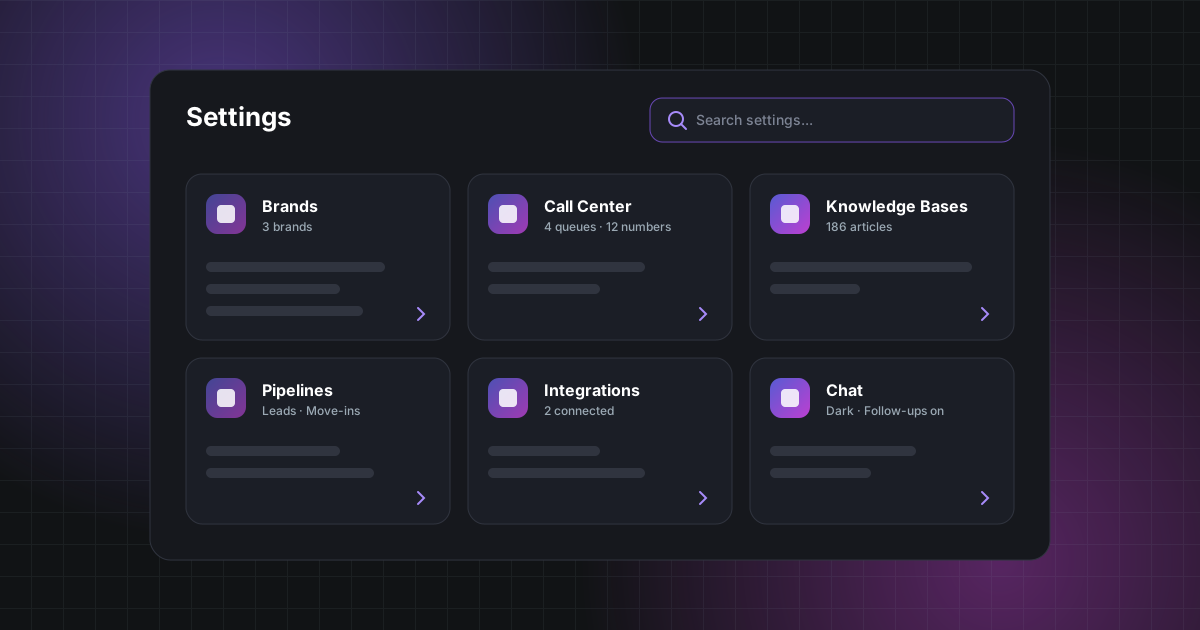
Settings now open on an at-a-glance overview of your brands, call center, knowledge bases, pipelines and integrations, with search to jump straight to any option.
As CSRScape has grown, so has the number of things you can configure. We've reorganised settings so they're easier to find and quicker to work through.
Settings now open on a new overview. Each area — brands, call center, knowledge bases, pipelines and your connected integrations — has its own card that links straight to the pages inside it, so you can see how things are set up before you dive in.
Can't remember where something lives? Settings search finds any option by name, and the settings menu is grouped into clear sections by area.
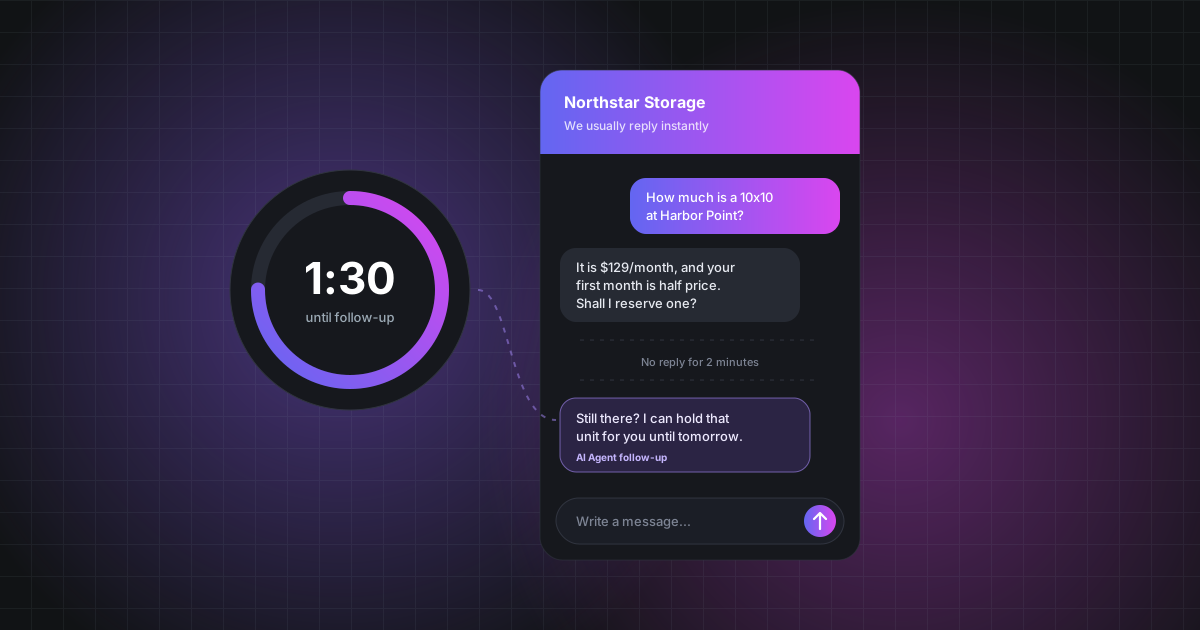
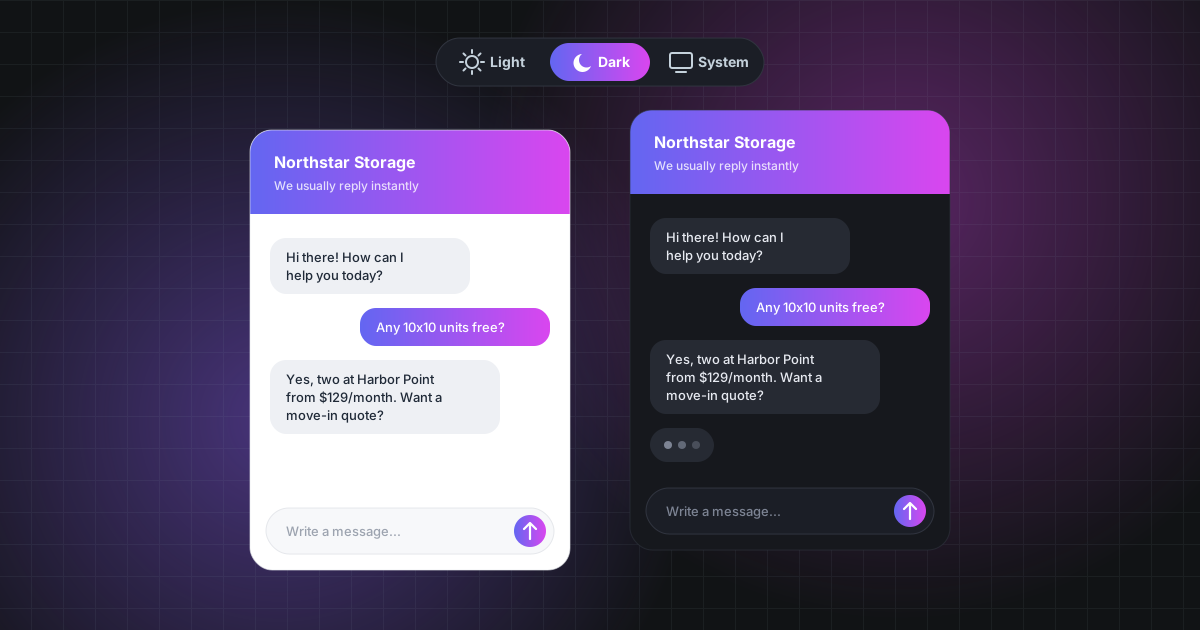
We've also brought widget and chat options together into a single set of chat settings for each brand, so everything about your website chat — appearance, greeting, hours and follow-ups — is in one place.